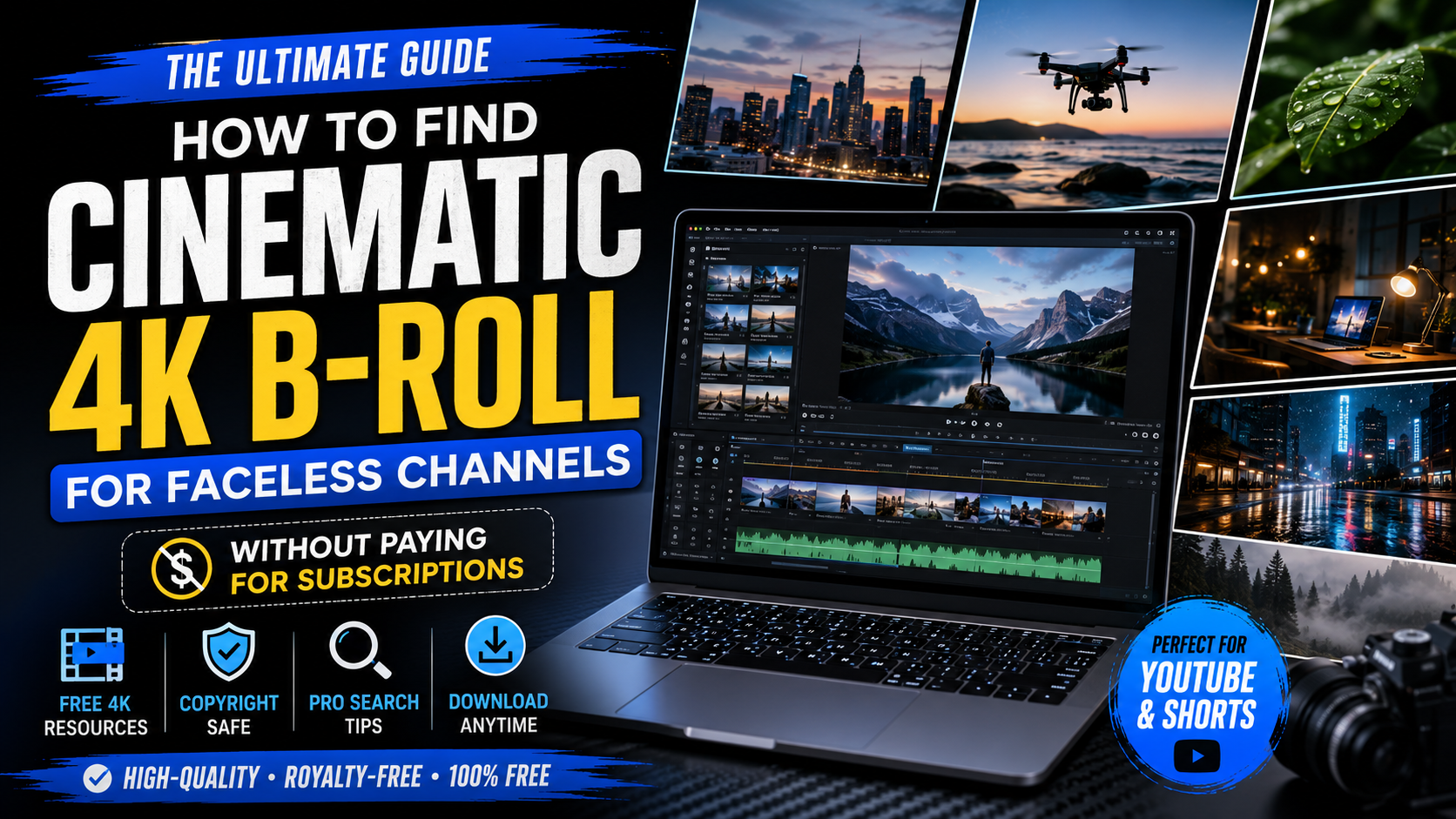
If you’ve ever watched a successful faceless YouTube channel, you’ve probably noticed something they all have in common: stunning cinematic B-roll.
Whether it’s slow-motion city lights, aerial drone shots, cozy coffee shops, dramatic mountain landscapes, or futuristic office setups, great B-roll makes even a simple voiceover feel professional.
Many beginners assume these creators spend hundreds of dollars every month on premium stock footage subscriptions. While paid libraries like Storyblocks, Artlist, and Envato Elements are excellent, they’re not the only option.
The truth is that thousands of high-quality 4K clips are available completely free. The challenge isn’t finding footage—it’s knowing where to look, how to search effectively, and how to use it legally.
In this guide, you’ll learn:
- Where successful faceless creators find free cinematic B-roll
- The best royalty-free 4K stock footage websites
- How to avoid copyright problems
- Search techniques professionals use to discover hidden gems
- How to organize your own B-roll library for future projects
By the end of this article, you’ll know how to build a professional-looking faceless YouTube channel without paying expensive monthly subscription fees.
What Is B-Roll?
B-roll is the secondary footage shown while your narration or primary audio continues.
Instead of watching a static screen for several minutes, viewers see visuals that support your message.
For example:
If your script says:
“Artificial Intelligence is changing the future of work…”
Your video might display:
- People using laptops
- AI-generated graphics
- Office environments
- Robot animations
- Coding screens
- Futuristic city scenes
Those supporting visuals are called B-roll.
Without B-roll, faceless videos often feel repetitive and lose viewers’ attention.
Why B-Roll Is Essential for Faceless YouTube Channels
Unlike traditional YouTube creators, faceless channels don’t rely on a person speaking directly to the camera.
Instead, they use:
- Stock footage
- Animations
- Motion graphics
- Screen recordings
- AI-generated visuals
- Text animations
- Cinematic transitions
This means your visuals become one of the biggest factors influencing audience retention.
Good B-roll helps you:
Keep viewers engaged
Changing visuals every few seconds keeps the audience interested and reduces boredom.
Increase watch time
Dynamic footage encourages viewers to stay until the end, which can improve your video’s performance in YouTube’s algorithm.
Explain complex ideas
Instead of simply describing a concept, you can show it visually, making your content easier to understand.
Build a premium brand
High-quality footage makes your videos look polished, helping viewers trust your content and encouraging them to subscribe.
What Makes B-Roll Look Cinematic?
Not every 4K clip looks cinematic.
Professional creators pay attention to several visual elements that instantly improve the quality of their videos.
1. Camera Movement
Smooth movement adds life to your footage.
Look for clips featuring:
- Slow pans
- Drone flights
- Gimbal movements
- Push-ins
- Pull-outs
- Tracking shots
Avoid shaky or low-quality footage unless it matches the style of your video.
2. Lighting
Lighting plays a huge role in creating a cinematic mood.
Popular styles include:
- Golden hour sunlight
- Neon city lights
- Warm indoor lighting
- Soft window light
- Dramatic shadows
- Blue-hour evening scenes
Professional-looking footage often has carefully balanced highlights and shadows.
3. Composition
Great cinematography follows simple composition principles.
Look for clips with:
- Leading lines
- Symmetry
- Depth
- Foreground objects
- Clean backgrounds
- Rule of thirds
Well-composed footage naturally draws the viewer’s eye to the subject.
4. Color Grading
Many cinematic clips use color grading to create a specific mood.
Common styles include:
- Dark and moody
- Warm cinematic
- Orange and teal
- Minimalist
- High contrast
- Soft pastel tones
Choosing footage with a consistent look makes your entire video feel more professional.
5. Slow Motion
Slow-motion clips often create a more dramatic and emotional experience.
They work especially well for:
- Nature
- Luxury products
- Technology
- Lifestyle videos
- Motivation content
- Travel scenes
6. Resolution
Whenever possible, download 4K footage, even if you’re publishing in 1080p.
Why?
Because higher-resolution clips allow you to:
- Crop without losing quality
- Zoom into the footage
- Reframe scenes
- Add movement during editing
- Maintain sharp visuals
This gives you much more flexibility in post-production.
The 10 Best Free Websites for Cinematic 4K B-Roll
Not all free stock footage websites offer the same quality.
Some focus on quantity, while others specialize in carefully curated cinematic clips.
Here are the best platforms every faceless creator should bookmark.
1. Pexels
Best for: Everyday lifestyle, business, technology, travel, and cinematic footage.
Pros
- Completely free
- Excellent 4K selection
- Modern-looking clips
- No subscription required
- Easy search system
Cons
- Popular clips are widely used by creators.
Perfect for: YouTube Shorts, Instagram Reels, and educational videos.
2. Pixabay
Best for: Business, office, technology, landscapes, and abstract footage.
Pros
- Huge video library
- Royalty-free
- 4K videos available
- No attribution required
Cons
- Some clips vary in quality.
3. Mixkit
Mixkit is known for professionally produced cinematic footage.
You’ll find:
- Drone shots
- Nature
- Urban cities
- Business scenes
- Lifestyle clips
- Creative backgrounds
It’s one of the best free resources for faceless YouTube creators looking for premium-quality visuals.
4. Coverr
Coverr offers modern stock footage with a clean, commercial style.
It’s especially useful for:
- Startups
- Productivity videos
- Technology content
- Remote work
- Office environments
The collection is smaller than some competitors, but the quality is consistently high.
5. Videvo
Videvo provides thousands of free videos, motion graphics, and animated backgrounds.
It can be especially helpful if your content includes:
- Tech topics
- Digital marketing
- Motion backgrounds
- Green screen assets
Always check the license for each file, as some assets have different usage requirements.
6. Motion Places
Best for: Travel, landscapes, cities, roads, and nature.
Motion Places specializes in beautiful location-based footage from around the world. If your videos cover travel, motivation, business, or storytelling, this site offers stunning cinematic scenes.
Pros
- High-quality landscape footage
- Great drone shots
- Free to download
- Easy-to-browse collections
Cons
- Smaller library than larger stock websites.
7. Dareful
Best for: Nature, aerial footage, oceans, mountains, and wildlife.
Dareful focuses almost entirely on 4K cinematic videos, making it a favorite among creators who want premium-looking visuals without paying for a subscription.
Pros
- Genuine 4K footage
- Professional cinematography
- Excellent for documentaries and travel videos
Cons
- Limited categories.
8. Mazwai
Mazwai is a curated collection of artistic and cinematic videos created by filmmakers.
It’s an excellent choice if you’re looking for:
- Emotional storytelling
- Slow-motion footage
- Lifestyle scenes
- Creative visuals
Pros
- High-quality clips
- Artistic style
- Unique footage
Cons
- Smaller library.
9. Videezy
Videezy offers thousands of free HD and 4K clips across multiple categories.
Popular topics include:
- Business
- Cities
- Technology
- Nature
- Transportation
- Lifestyle
Pros
- Large library
- 4K available
- Useful search filters
Cons
Some videos require attribution, so always read the license before downloading.
10. Openverse
Openverse is a search tool that helps you discover openly licensed media from various sources.
While it doesn’t host videos itself, it’s useful for finding free content from trusted platforms.
Pros
- Searches multiple sources
- Open-license content
- Helpful for discovering hidden resources
Cons
Always check the license of the original source before using any file commercially.
How to Search Like a Professional
Many beginners type a single word into a stock footage website, such as:
City
Professional creators search differently.
Instead of generic words, use descriptive phrases that match the mood of your video.
Better search ideas
For business videos:
- Modern office workspace
- Entrepreneur laptop
- Startup meeting
- Productivity desk
- Business success
For AI content:
- Artificial intelligence
- Robot technology
- Data center
- Coding screen
- Futuristic city
For motivation:
- Sunrise mountain
- Running athlete
- Victory celebration
- Climbing mountain
- Success journey
For finance:
- Luxury apartment
- Stock market
- Money counting
- Office building
- Business handshake
For lifestyle:
- Coffee shop aesthetic
- Reading book
- Cozy room
- Minimal workspace
- Rain window
Using detailed search phrases usually produces much better results than searching with one or two generic words.
How Successful Faceless Channels Create Unique Videos
One mistake beginners make is downloading every clip from the same website.
Instead, experienced creators combine footage from different sources.
For example:
- Drone shot from one website
- Office scene from another
- Coffee shop clip from a third
- City timelapse from another
Mixing footage from multiple libraries gives your videos a more original look and reduces the chance of using the exact same clips as thousands of other creators.
How to Avoid Copyright Problems
Free doesn’t always mean you can use footage without restrictions.
Before downloading any video:
Read the License
Every website has its own licensing terms. Spend a minute checking what is allowed, especially for commercial use.
Avoid Recognizable Trademarks
Be cautious with clips showing company logos, branded products, or copyrighted artwork if they’re central to the footage.
Watch for Recognizable People
Some footage includes identifiable people. Depending on the license and your use, there may be restrictions.
Keep a Record
Save the name of the website and the license information when you download clips. This can be helpful if questions ever arise about how you sourced your footage.
Build Your Own B-Roll Library
Instead of searching for new footage every time you edit a video, create your own organized collection.
Here’s a simple folder structure:
B-Roll Library
│
├── Business
├── AI & Technology
├── Nature
├── Cities
├── Lifestyle
├── Money & Finance
├── Luxury
├── Office
├── Travel
├── YouTube
└── Motivation
Inside each folder, create subfolders such as:
- Drone
- Close-up
- Slow Motion
- Timelapse
- Portrait
- Landscape
A well-organized library can save hours of editing time.
Can AI Generate Cinematic B-Roll?
Yes. AI video generation has improved significantly in recent years.
AI tools can create:
- Futuristic cities
- Cinematic landscapes
- Fantasy environments
- Animated scenes
- Abstract backgrounds
However, AI-generated footage may not always look realistic, and some tools have commercial-use terms you should review before publishing.
For many creators, the best workflow is to combine free stock footage with AI-generated visuals to create unique, engaging videos.
Common Mistakes Beginners Make
Avoid these common mistakes:
- Downloading clips without checking the license.
- Using random footage that doesn’t match the narration.
- Overusing flashy transitions.
- Mixing different color styles in one video.
- Stretching low-resolution footage to fill the screen.
- Repeating the same B-roll clip multiple times in one video.
- Ignoring consistent branding and visual style.
Remember, good editing isn’t about using the most clips—it’s about using the right clips.
Frequently Asked Questions
Is free B-roll safe to use on YouTube?
Many free stock footage websites allow commercial use, but always review the license for each clip before publishing.
Can I monetize videos made with free stock footage?
In many cases, yes. However, you should make sure the footage’s license permits commercial use and that your final video adds original value through narration, editing, graphics, or commentary.
Should I use HD or 4K footage?
Whenever possible, choose 4K footage. It gives you more flexibility for cropping, zooming, and maintaining image quality during editing.
Which free website is best for beginners?
Pexels, Pixabay, and Mixkit are excellent starting points because they offer user-friendly interfaces and large collections of high-quality footage.
Final Thoughts
Creating professional faceless videos doesn’t require an expensive stock footage subscription. With the right search techniques, a carefully organized B-roll library, and a basic understanding of licensing, you can produce videos that look polished and engaging using free resources.
Focus on choosing footage that supports your story rather than simply filling the screen. High-quality visuals, combined with thoughtful editing and a clear voiceover, can make your content stand out—even if you’re starting your channel.
As your library grows, you’ll spend less time searching for clips and more time creating content that connects with your audience.